Planet Design & Examples 🌌
 Design your home planet. Below are some examples.
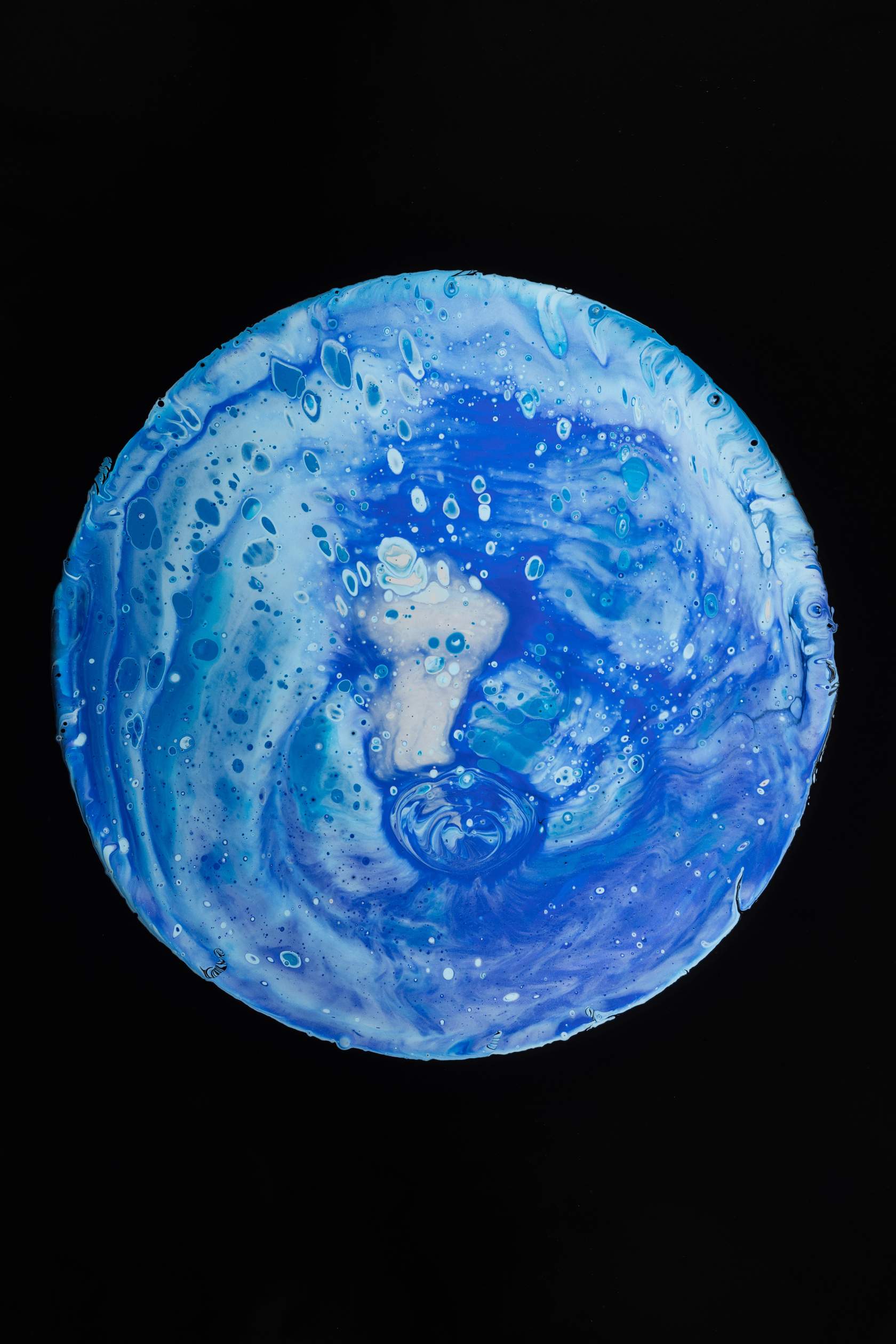
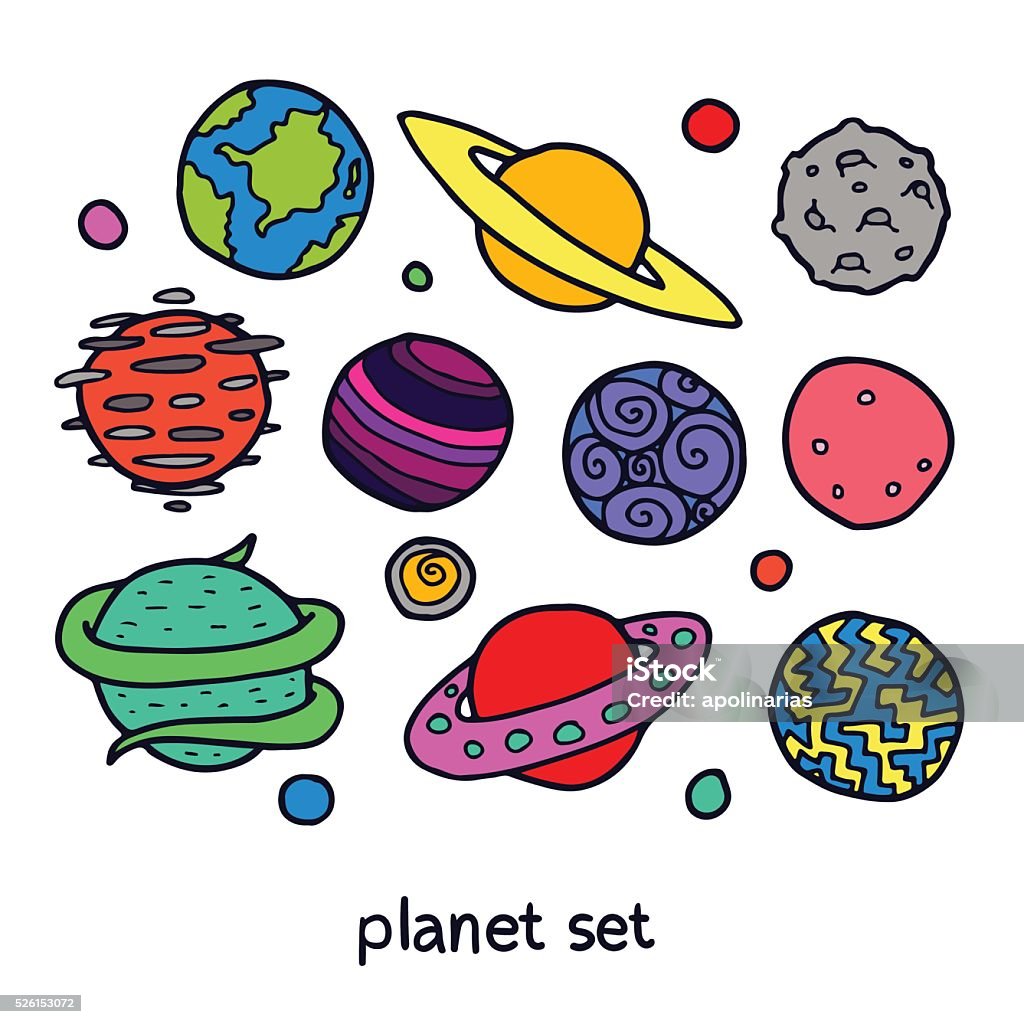
Your planet can be anything from a water world to a desert oasis. Remember, the sky's not the limit here!
Materials & Instructions 🎨
Materials Needed:
- A piece of paper 📄
- A pen or pencil ✏️
- A laptop or tablet 💻
- Your imagination! 🧠
You can draw your planet on paper, create a 2D design in Vectr or Canva, or make a 3D model in TinkerCAD
Steps to Create Your Home Planet:
1. Name Your Planet: Think of a creative name for your planet, like 'Vilta', 'Waterworld', or 'SandLand'.
2. Describe Your Planet: Imagine the landscapes and environments. Are there towering mountains, vast oceans, bustling cities, or mysterious forests? Write these details down.
3. Describe the Inhabitants: Who lives on your planet? What do they look like? How do they spend their days? Think about their appearance, behaviors, diet, and hobbies.
4. Create a Visual Representation: Draw or digitally design your planet. Show the features you described. Use colors and symbols that fit your planet's atmosphere and culture.
Submission Guidelines 📤
How to turn it in:
- If you've created your planet digitally, export it as a JPG and submit it here.
- If you've drawn on paper, snap a clear photo with your webcam and upload it.
- Make sure your artwork is clearly visible.
- Keep your design handy. You will map its story in Activity 2.